One tap. You’re parked.
Save your spot from the app, a widget, or a shortcut. Add the garage level or a photo if you need it.
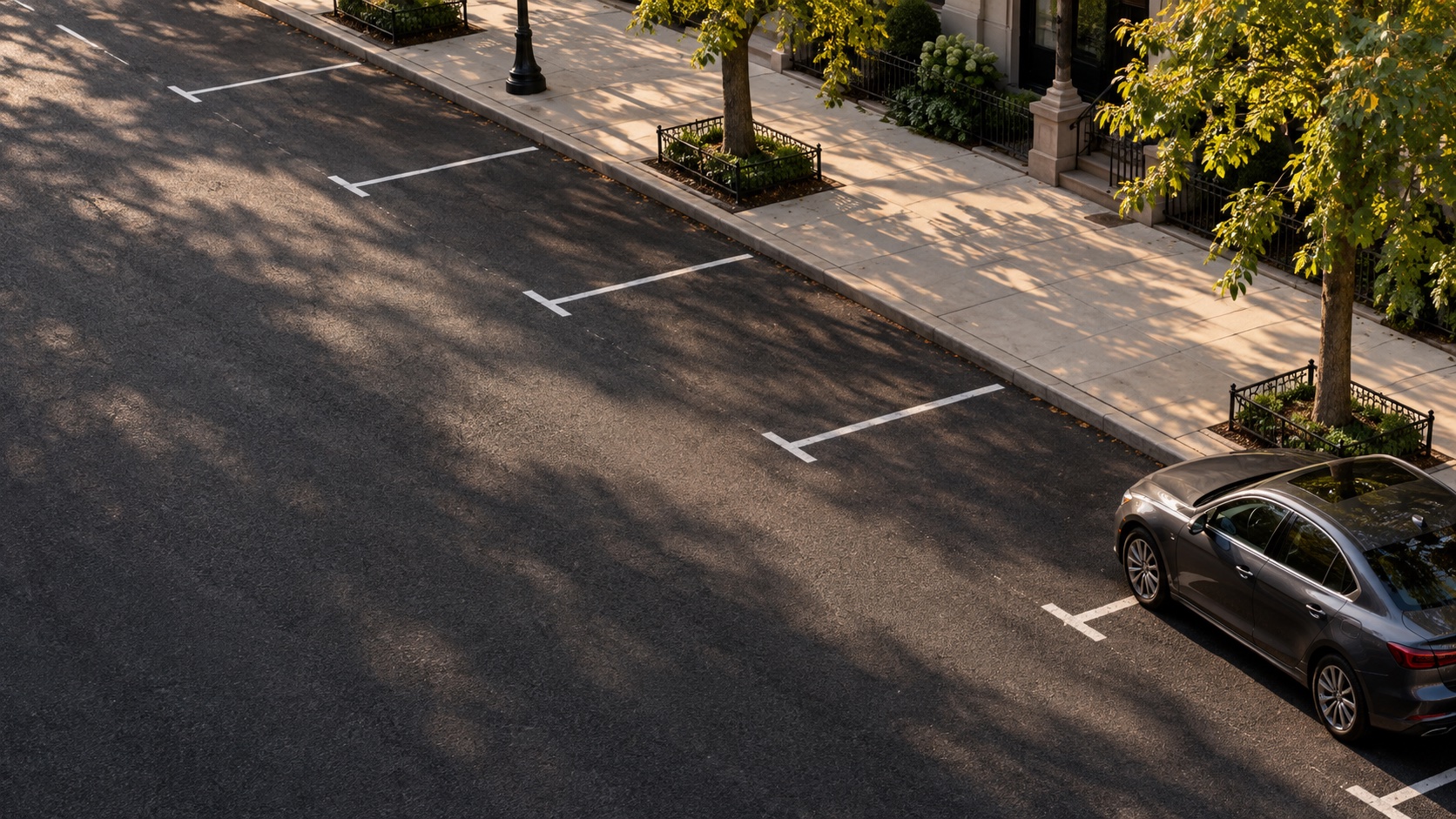
Save your car in a tap. Start your next visit with the places that worked before.
Meet Parked ↓Coming to iPhone · No account neededSave your spot from the app, a widget, or a shortcut. Add the garage level or a photo if you need it.
Walking directions, a parking reminder, and the details you’ll be glad you saved.
Turn a destination screenshot into a plan. See nearby spots from your own history, with the evidence behind each suggestion.
Open Parked and tap “I parked here.” Allow location access when prompted. Your fresh location is saved immediately. You can add a photo, garage level, note, or reminder afterward. If GPS is unavailable, search an address and adjust the map pin.
Add Parked through your iPhone’s Home Screen widget gallery or Lock Screen customization. Tap the widget to open a fresh parking save, or return to your saved car. The phone may need to be unlocked.
In Return, choose “Start with a screenshot,” or share an image to Parked from another app. Review the detected text, choose the destination, and confirm the search. Screenshot reading takes place on your device. A destination screenshot never replaces your car’s GPS location.
Suggestions come from your personal parking history. They are places you have tried before, ranked using distance and comparable days and times. They are not live vacancy reports or permission to park. Check signs, time limits, and restrictions.
Parked needs your own visits to learn from. Save parking near places you return to. Where you have no history within 900 meters, the app offers a parking search in Apple Maps.
Parked Plus unlocks comparison of all your tried spots, planning for future arrival times, filters for street parking, garages, and lots, and optional arrival hints near saved destinations. It is a one-time in-app purchase, with the price displayed by Apple before purchase. Saving and finding your car, your journal, widgets, screenshot reading, photos, reminders, and the top suggestion are free.
With Plus, choose saved destinations in Settings → Arrival hints. iOS can show a quiet notification when you enter an area about 750 meters away. Hints require at least two successful visits at a nearby spot in the last six months, pause while your car is saved, and rearm when you end a visit. Up to 10 distinct areas can be armed. Hints may arrive while walking, and iOS controls their timing. They describe past experience, not live availability.
Open Settings → Explore Parked Plus → Restore purchases using the Apple Account that made the purchase. Contact support if a verified purchase does not restore.
Check that Parked notifications are enabled in iPhone Settings. Focus and notification settings may affect presentation. A reminder is a convenience; always check your parking time and posted rules.
Open Parked Settings to export your history or delete all parking data. Exports contain precise coordinates and notes, but not photos. Only share them with recipients you choose. Deletion in the app cannot be undone.
For a support request, include your iPhone model, iOS version, and what happened. Please avoid sending your exact parking location or personal screenshots unless needed to explain the issue.
Effective September 12, 2026 · Striking Ventures LLC
Parked stores parking coordinates, visit times, parking type, notes, selected photos, saved destinations, and shared imports on your device. The app, widget, and share extension use a shared local storage container. We do not operate a server that receives your parking history.
Location is requested when you explicitly save parking or enable optional Plus arrival hints. iOS monitors the selected destination regions for these notifications. Parked does not continuously track GPS in the background. Turning a destination off cancels its pending arrival hint. Screenshot text recognition runs on your device using Apple’s Vision framework. You choose the destination text to search. Photos you select for a parking visit are stored locally.
Apple Maps services process map requests, place searches, and reverse geocoding. When you open directions, the selected destination is passed to Maps. Apple handles payments and supplies purchase verification information to Parked. Apple’s services are governed by Apple’s privacy policy. Depending on your device settings, iPhone or iCloud backups may include app data.
The app includes no advertising SDKs, third-party analytics, or tracking used to target ads. Parking reminders and optional arrival hints are scheduled locally using iOS notifications. Arrival notifications use a generic message without street names; opening one shows the selected destination in the app. Their display is subject to your notification and Focus settings.
If you email support, we receive your email address, the message, and any attachments you choose to send. We use this information to answer and resolve your request. Our email provider processes these messages. This support website’s hosting provider processes ordinary connection information, such as IP address and browser request data, to deliver and secure the website. We do not add advertising cookies or analytics scripts.
Parking information stays on the device until you delete it or remove the app and its extensions, subject to device backup behavior. Settings lets you export history and delete visits, attachments, destinations, and imports. Purchase records remain with Apple. Support correspondence is retained only as reasonably needed to resolve requests and meet applicable obligations. Email us to request deletion of support correspondence.
Parked is a general utility and does not require an account or knowingly collect children’s personal information through a service we operate. If support receives personal information that should be removed, contact us. We will update this page and its effective date when our practices change.
Parked is provided by Striking Ventures LLC. For privacy requests or support, email micky@strikingventures.com.